Horizon software
A Windows trading client that runs on your VPS, takes prices from a Horizon feed, and places orders through your own broker.

How it works
Two connections. The feed sends prices to the client. The client sends orders to your broker and gets fills back.
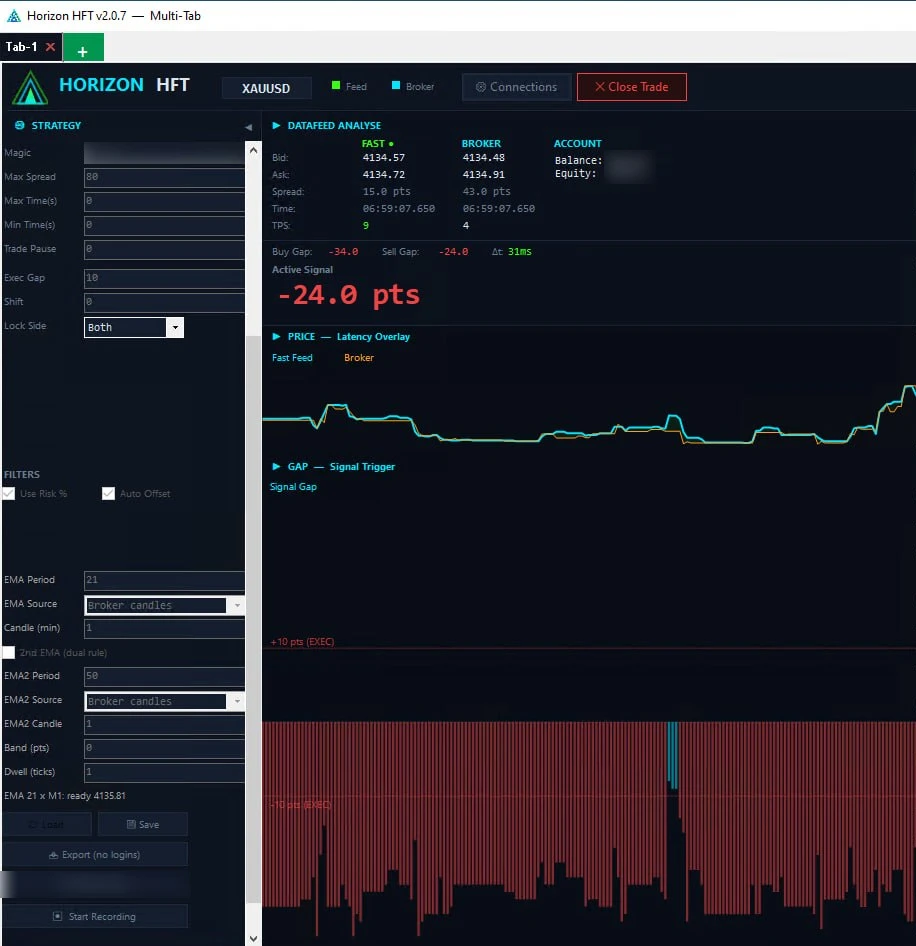
What you see in the client
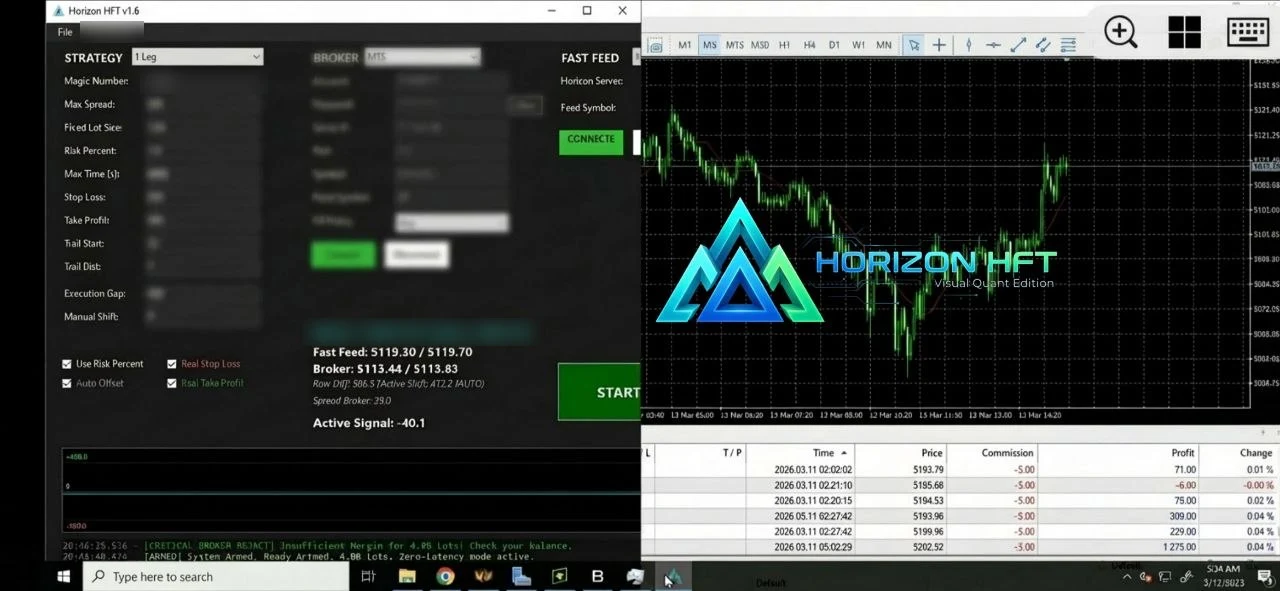
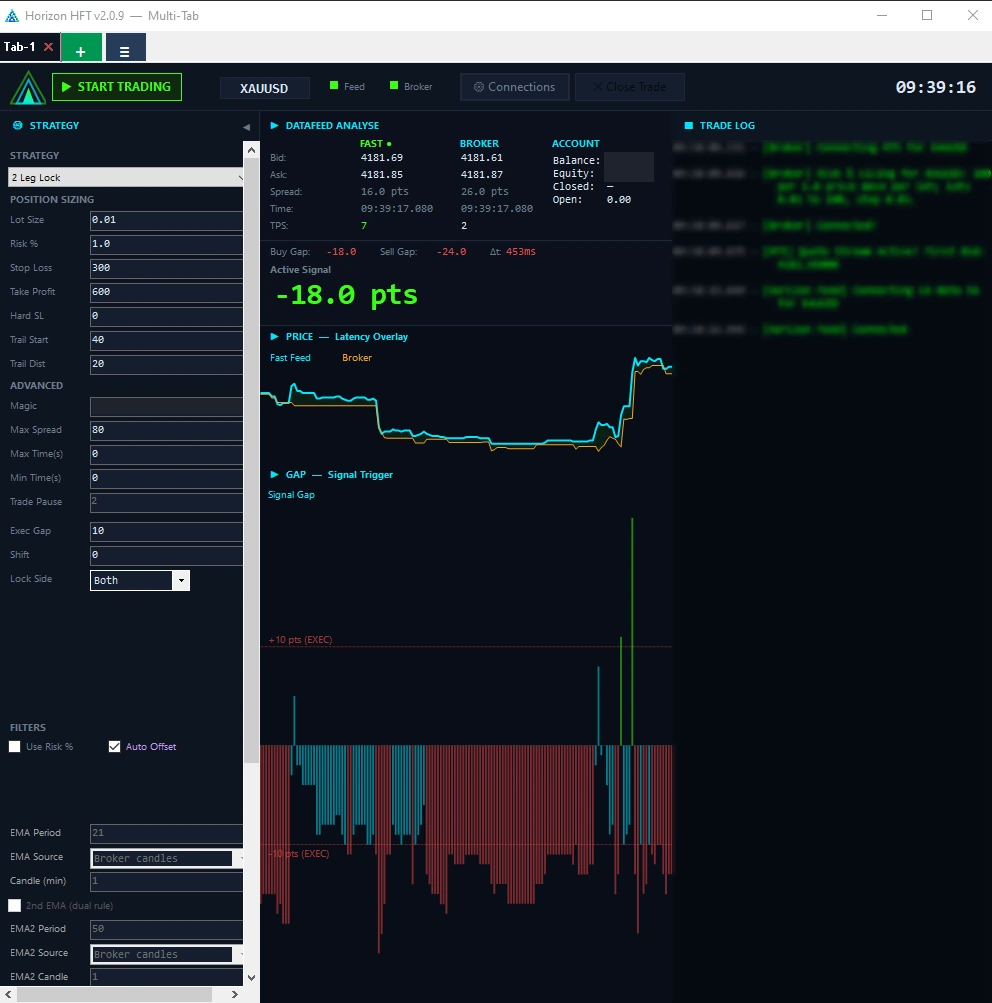
- StrategyThe settings and filters of the strategy you run.
- Datafeed analyseFast-feed and broker prices side by side: bid, ask, spread, time and ticks per second.
- Active signalThe signal the strategy is acting on, in points.
- Price, latency overlayThe fast feed and your broker's price on one chart.
- Gap, signal triggerThe gap between the two prices over time, with the levels where the strategy executes.
The Horizon client v2.0.7 on a demo account. Account figures and some settings are blurred.
What you need
Three things. The broker account is your own.
Windows PC or VPS
The client is a Windows program. A VPS keeps it running when your own computer is off.
Windows 10 64-bit or later (Windows 11 recommended). No separate .NET install needed.
A supported account
- MetaTrader 5
- MetaTrader 4
- Rithmic
- BloFin (crypto exchange)
A Horizon feed
The client takes its prices from a Horizon feed. For crypto, Binance can also be used as a price source (prices only, no trading).
Feed network →Strategies included
Strategies built by Horizon. Each one runs inside this client.
2 Leg Lock
Holds a BUY and a SELL on one account; when the fast feed leads by your Exec Gap it closes the wrong side, and broker orders lock the other again at its target or stop.
Order Book Imbalance
Trades on the CME Futures feed: when it leads your broker's price on one side by at least your Imbalance setting, while the other side stays below your Counter setting, it enters that way.
Grid Arbitrage
Opens a first position when the fast feed leads your broker; if price moves against it, adds legs at set distances, each the previous size times your Lot Mult, and manages them as one basket.
HFT stats in your portal
What the Horizon software measures on your machine, shown in your portal. A preview of a view that is coming.
Price updates per second arriving on the fast feed.
Average price difference between the price you asked for and the fill, in points.
Time from a strategy signal to the order leaving your machine.
Round trip from sending an order to the broker confirming the fill.
Share of trading time your broker's quote was under 1.5 s old.
Share of orders filled, rather than requoted or rejected.
Results
Sample dataA preview of the Results view in your portal. There, every figure is sent by your own Horizon software.+9.6% · selected range
selected range
108 W / 77 L
−$1,604 · 15–20 Sep
Past performance does not guarantee future results. Trading involves substantial risk of loss.
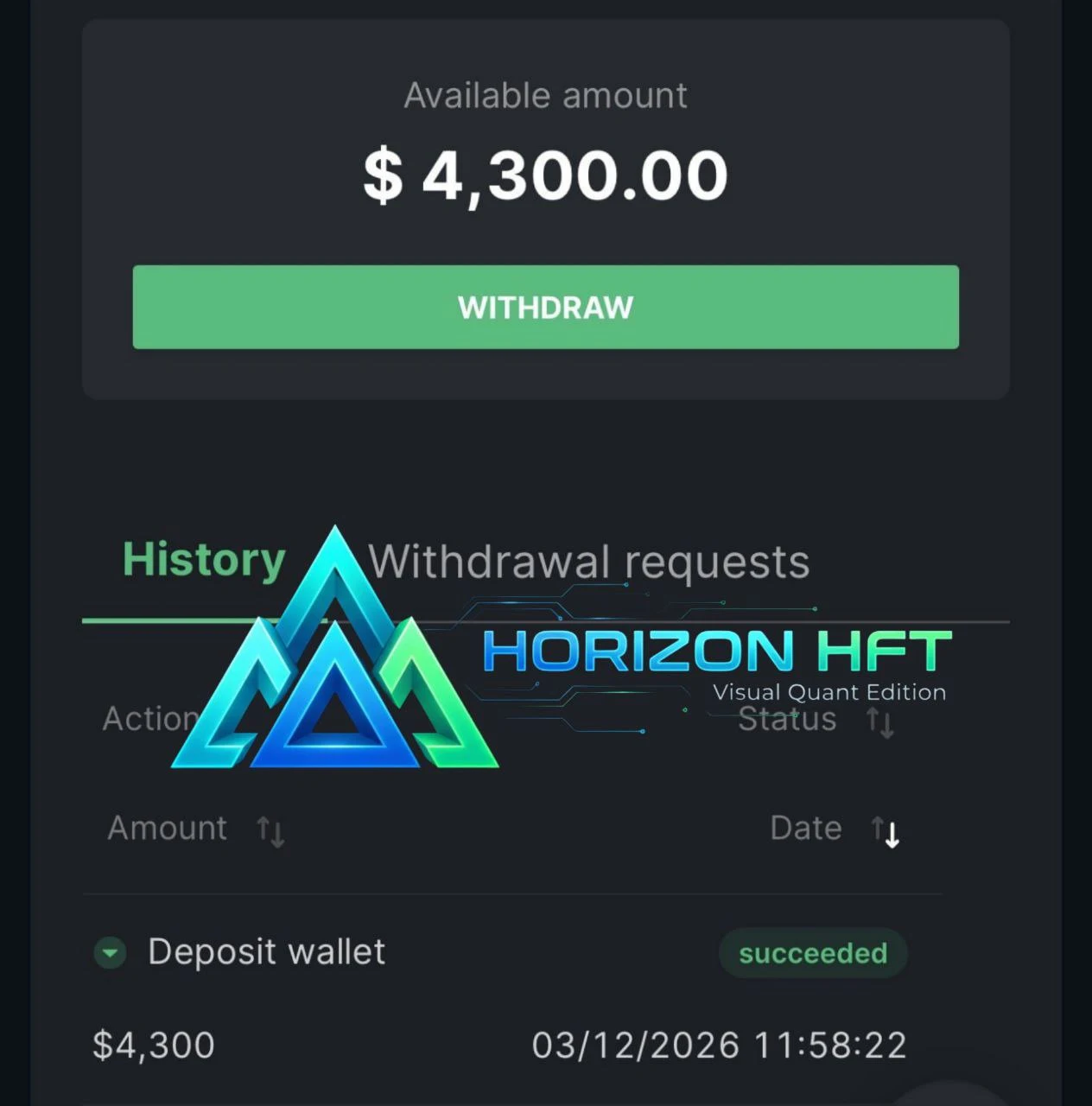
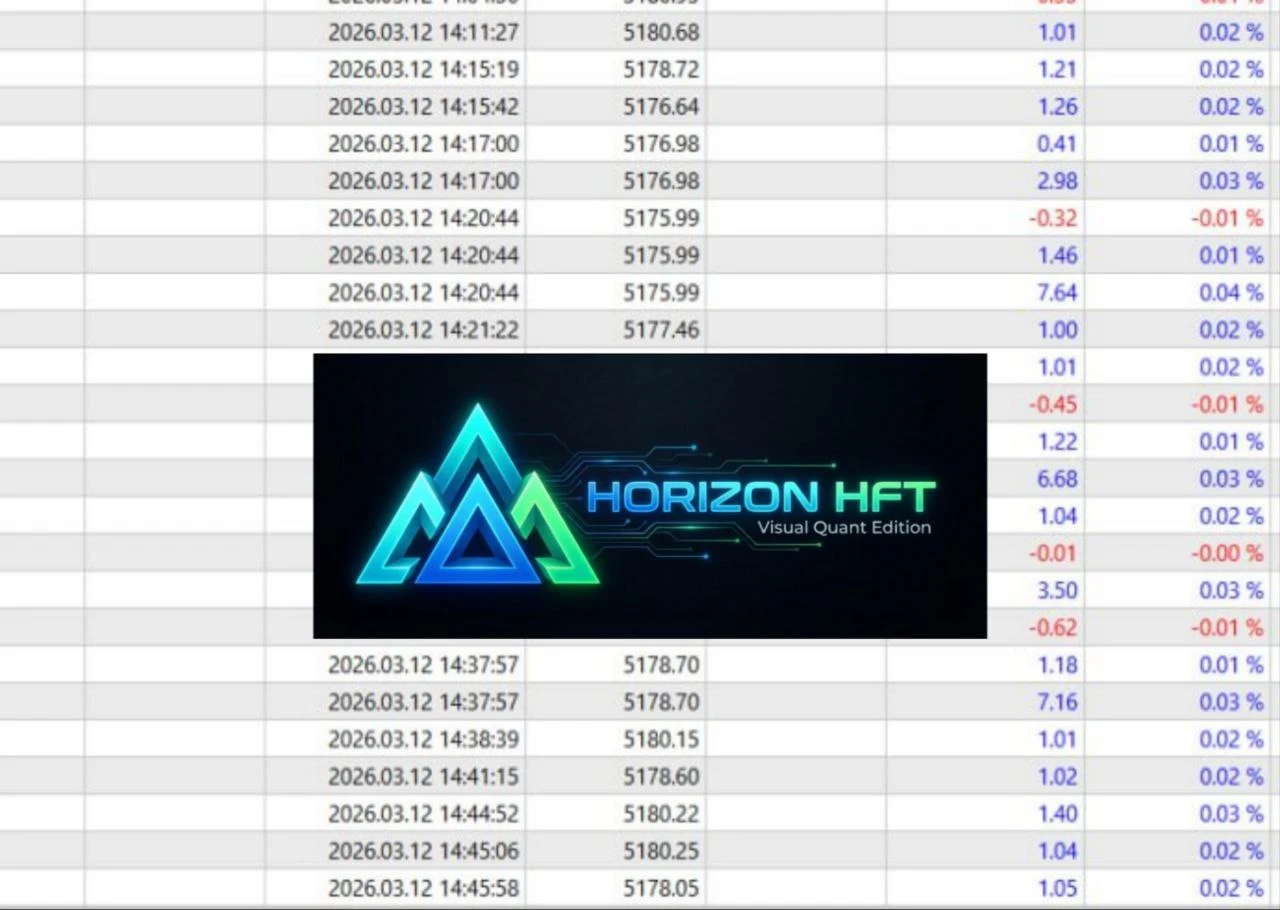
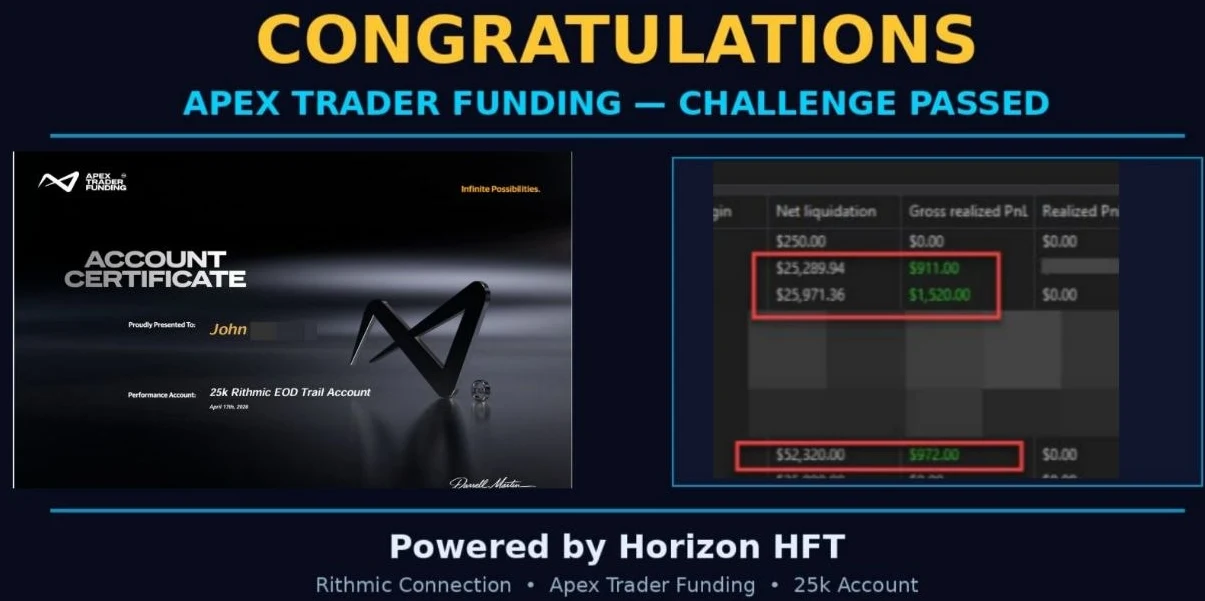
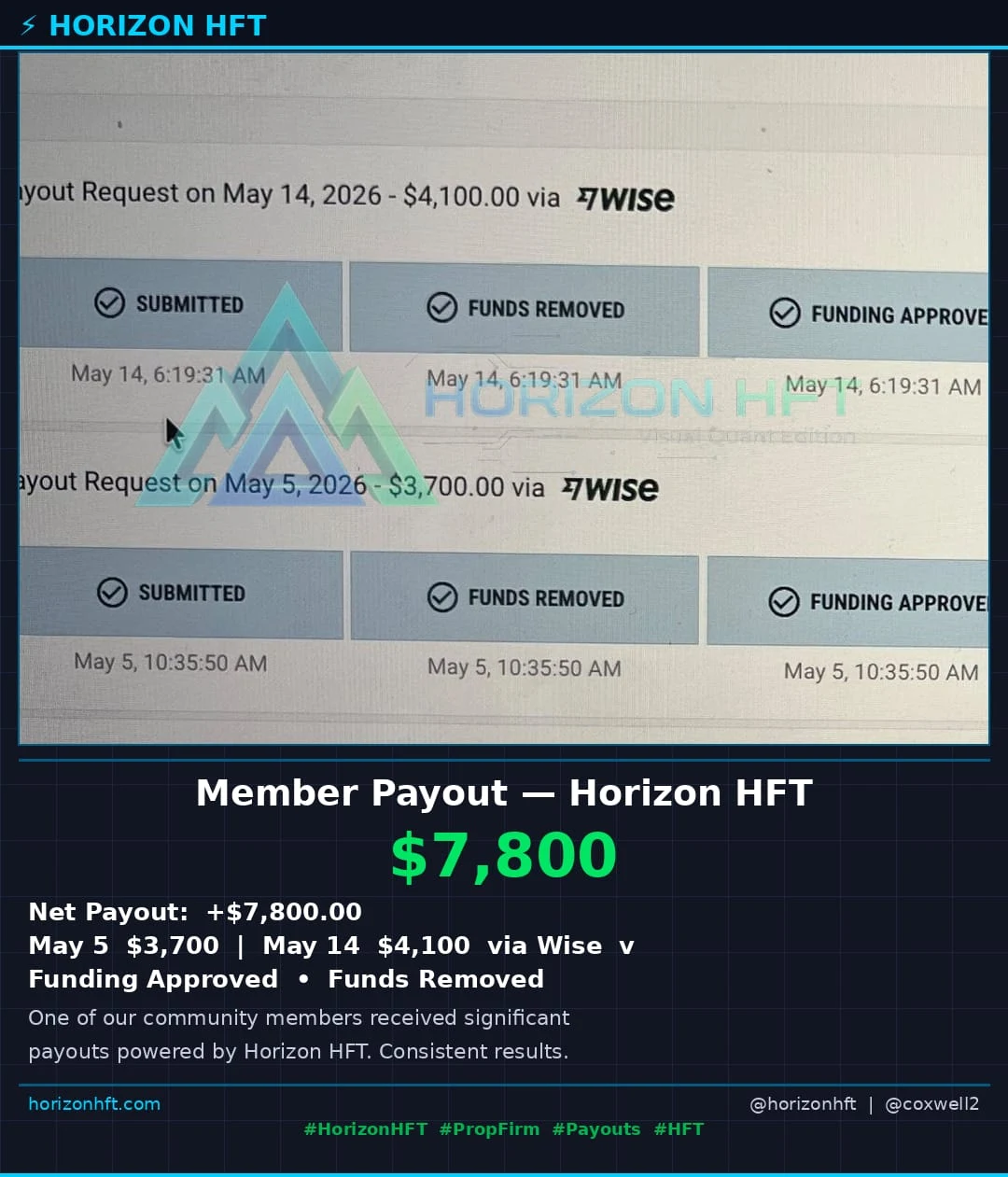
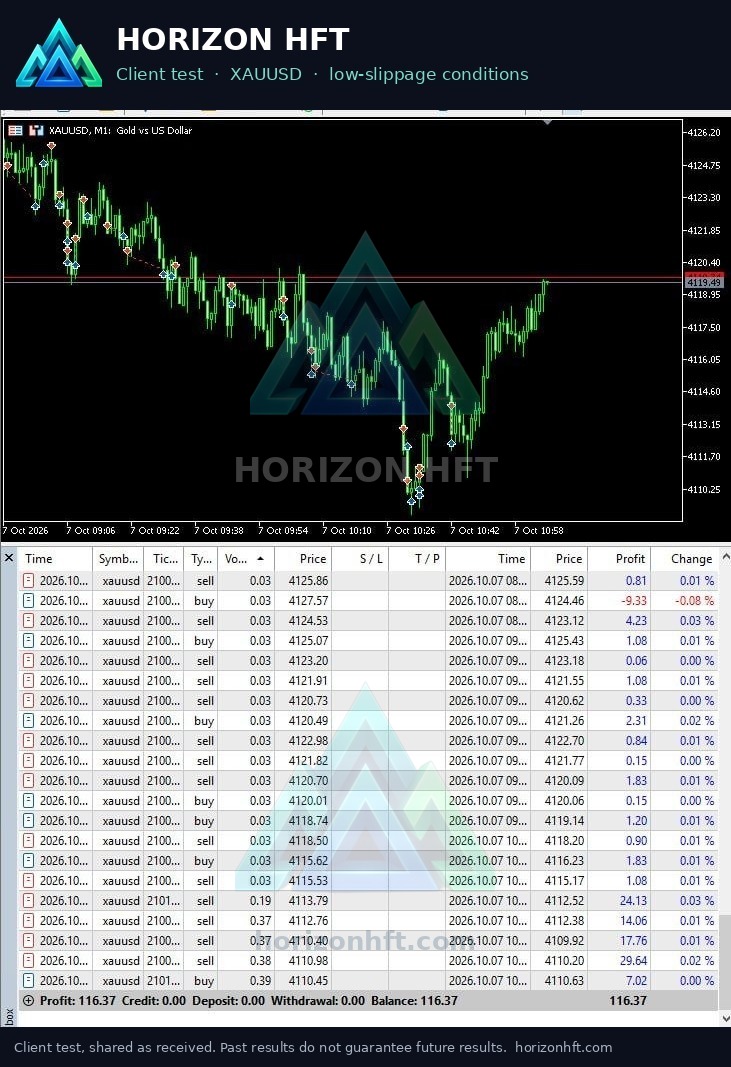
Client results
Past performance does not guarantee future results. Trading involves substantial risk of loss.
Releases
Every version of the client, newest first, with what changed.
- Trade Pause 0 now means no pause after a close. A profile saved by an older version with Trade Pause 0 loads with the box blank, which is the 2-second default; type 0 and save if you want no pause.
- Order Book Imbalance with Shift or Auto Offset now enters on the shifted value, the same value the chart shows. Check your Imbalance gap against the chart before your first session.
- Pause Entries: a new button under START/STOP. While it is on, the tab opens no new trades (Grid: no further levels) and open trades keep all their exits. START/STOP reads "STOP (PAUSED)"; press "Resume Entries" to trade again.
- All tabs window: the "≡" button next to "+" shows every tab grouped by account, with its status, open trades, session P&L, feed and broker lights, and each account's balance, equity and change since START.
- START/STOP is now also in the top bar, left of the symbol.
- ACCOUNT box: two new lines, Closed (balance change since this tab's first START) and Open (equity minus balance).
- Broker dot: green while the broker quotes, amber when its last quote is older than usual, grey when there is none.
- START writes the Trade Pause in use to the log.
- Grid Arbitrage: at START, the log points out a Basket SL that sits below the current spread (advice only).
- Order Book Imbalance: the log says when the fast feed sends no order book depth.
- Several tabs on one broker login now send their orders one at a time; a new entry that would wait more than 5 seconds is not sent, and the log says so.
- The MT4/MT5 server box accepts host:port; an empty port means 443.
- A fast feed that keeps dropping right after connecting is named in the log as a possible session limit.
- The licence dialog shows whether this PC's hardware ID was read in full or only in part.
- Several tabs on one broker login now take turns, so a Grid basket close can wait one broker round trip behind another tab. If Grid's broker disaster stop closes a leg first, the tab stops new entries until you press STOP and START; that is the backstop working. If it happens often, widen the Basket SL or grid step, or give the Grid tab its own login.
- Saved passwords are now encrypted by Windows for your user on this PC. After the upgrade, delete old copies of your Set folder: they still hold passwords in plain text.
- STOP and Close Trade are safer. An order already on its way when you press STOP or Close Trade is no longer sent afterwards. A 2 Leg Lock pair is never left with one leg. After Close Trade the tab waits the full 5 seconds before it trades again.
- Grid Arbitrage: Close Trade now lights up as soon as a leg is open, so you can end a running Grid from Horizon (Close Trade, then STOP).
- Session P&L now also counts MT4 and Grid Arbitrage tabs, per tab, from your broker's own close answers (gross, before commission and swap).
- Trend Filter: Band and Dwell now work with a single EMA, so a price that hugs the EMA no longer opens a basket on every touch.
- Disconnects: pressing Disconnect Broker with positions open shows a red banner and alert. MT4/MT5 drops reconnect within seconds. Tabs on the same broker account share one connection.
- Each fill now shows its slippage and timing in the log. Grid and 2 Leg Lock warn in red when the broker doesn't confirm a close.
- Risk % now sizes every trade from your broker's own contract data. Sizes can differ a lot from 2.0.5: check your Risk % and the size shown in the log at your first START. Risk % is not available on MT4 or Rithmic (use a fixed Lot Size).
- Telegram alerts now arrive: the profit report (it never reached Telegram in 2.0.5), plus new alerts when a broker-side safety stop closes a position or is missing, and when your broker's prices freeze.
- 2 Leg Lock: after a restart, START picks up the trades still open at your broker instead of opening a new pair on top. Close Trade now really cancels the Hedge orders.
- Grid Arbitrage and 2 Leg Lock: new broker-side safety stop (shown as DISASTER STOP in the log). Grid basket TP/SL, trailing and Max DD now run on every tick. Grid Trigger Gap 0 now turns the gap test off for the first trade: set your Trigger Gap before START.
- Trend Filter: EMA period, source and candle length are now settings, with an optional second EMA.
- Timers count correctly in every time zone. BloFin opens and closes wait for BloFin's confirmation.
- MT4: a close that went through is no longer reported as a close error.
- Trade alerts can be delivered to your phone through the Horizon portal relay; no messaging credentials live in the client any more.
- Server addresses are masked out of the Trade Log and of any log you send us.
- Release builds are produced by an automated pipeline with integrity gates.
- Data-feed tiers renamed to Alpha / Beta / Gamma / Delta / Ultra, with the flagship low-latency feed available as a tier.
- Feed selection and symbol handling simplified in the Connections dialog.
- Ultra tier data feed added.
- The client now ships with its own .NET 10 runtime: no separate runtime install on the trading machine.
- Migration of the client to .NET 10 for performance and long-term support.
- Upgrade guide and credential template shipped with the package.
Software on the marketplace
The client is listed on the Horizon marketplace.
Availability as the marketplace shows it; the listing has the current state. See all on the marketplace →
Get started
- Log in to the portalCreate a Horizon account if you don't have one.
- Download the clientPortal → Dashboard → Downloads ("Download Windows"), available with an active licence.
- Install it on your Windows PC or VPSInstall Microsoft's Visual C++ 2015–2022 x64 runtime first. On first run the client walks you through your licence key, hardware lock and broker connection.
- Connect your feed and your broker accountThe client needs both before a strategy can run.
- Turn on a strategySet its rules, then start it from the client.
Support
Stuck on setup, a broker connection or a release? Email us.
support@horizonhft.comQuestions between users go to the Telegram group; support requests go by email or through the portal.