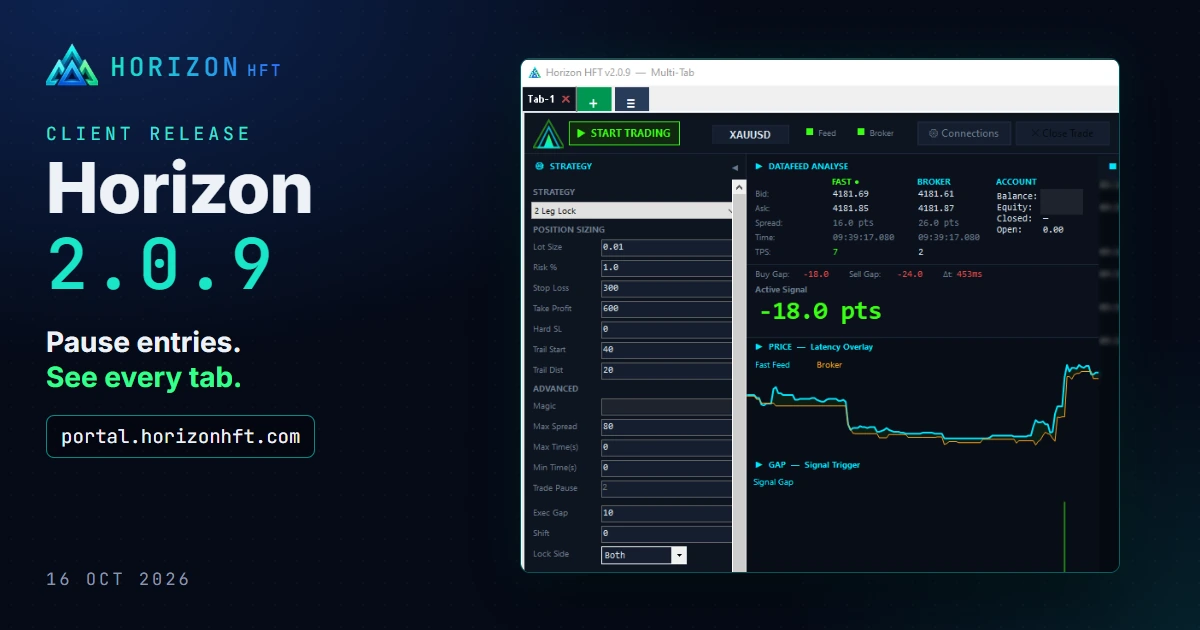
Horizon 2.0.9 adds a way to pause new entries without stopping a tab, a window that shows all your tabs at once, and clearer account and broker status. Download it from your portal.
⚠️ Before you press START
- Trade Pause 0 now means no pause after a close. A profile saved by an older version with Trade Pause 0 loads with the box blank, which is the 2-second default. Type 0 and save if you want no pause.
- Order Book Imbalance with Shift or Auto Offset now enters on the shifted value, the same value the chart shows. Check your Imbalance gap against the chart before your first session.
All strategies
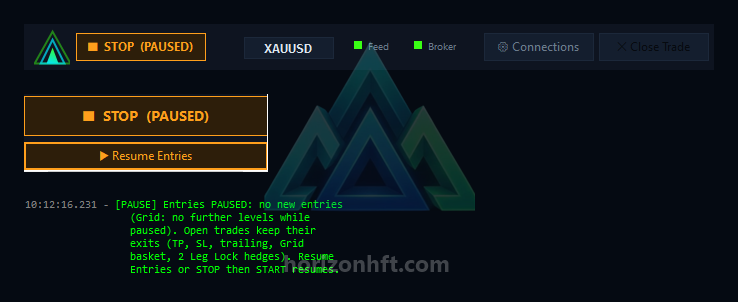
Pause Entries
A new button under START/STOP. While it is on, the tab opens no new trades (Grid: no further levels), and open trades keep all their exits. START/STOP reads "STOP (PAUSED)". Press "Resume Entries" to trade again.
All tabs window
The "≡" button next to "+" shows every tab grouped by account: status, open trades, session P&L, feed and broker lights, and each account's balance, equity and change since START.

START/STOP in the top bar
START/STOP is now also in the top bar, left of the symbol.

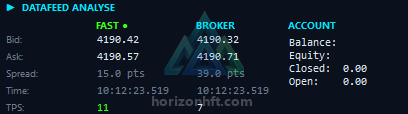
ACCOUNT box: Closed and Open
Two new lines: Closed (balance change since this tab's first START) and Open (equity minus balance).
Broker light
The broker dot is green while the broker quotes, amber when its last quote is older than usual, and grey when there is none.
Several tabs on one broker login
Orders from tabs that share one broker login are now sent one at a time. A new entry that would wait more than 5 seconds is not sent, and the log says so.
Log
START writes the Trade Pause in use to the log.
Grid Arbitrage
- At START, the log points out a Basket SL that sits below the current spread (advice only).
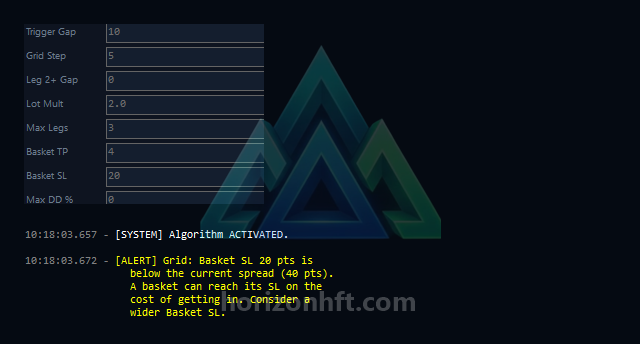
Set the Basket SL above your broker's spread, not the fast feed's. In the screenshot, the fast feed spread is 15 pts and the broker's is about 39 pts.
- Good to know: because tabs on one login now take turns, a Grid basket close can wait one broker round trip behind another tab. Grid's broker disaster stop sits two grid steps past the Basket SL. On a fast move it can close a leg first, and the tab then stops new entries until you press STOP and START. That is the backstop working, not a fault. If it happens often, widen the Basket SL or the grid step, or give the Grid tab its own broker login.
Order Book Imbalance
- Entries with Shift or Auto Offset now use the shifted value shown on the chart (see "Before you press START").
- The log says when the fast feed sends no order book depth.
1 Leg and 2 Leg Lock
No strategy-specific changes in this release. Both get everything under "All strategies".
Connections and licence
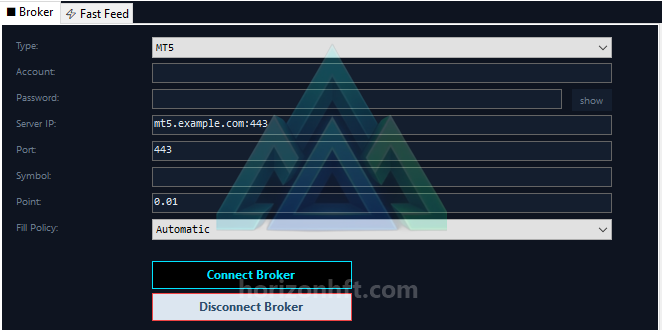
- The MT4/MT5 server box accepts host:port. An empty port means 443.
- A fast feed that keeps dropping right after connecting is named in the log as a possible session limit.
- If a licence check fails, the licence dialog now shows whether this PC's hardware ID was read in full ("Hardware ID: ok") or only in part ("degraded").
Download
Download 2.0.9 from your portal. Full notes: README-UPGRADE.txt in the download.